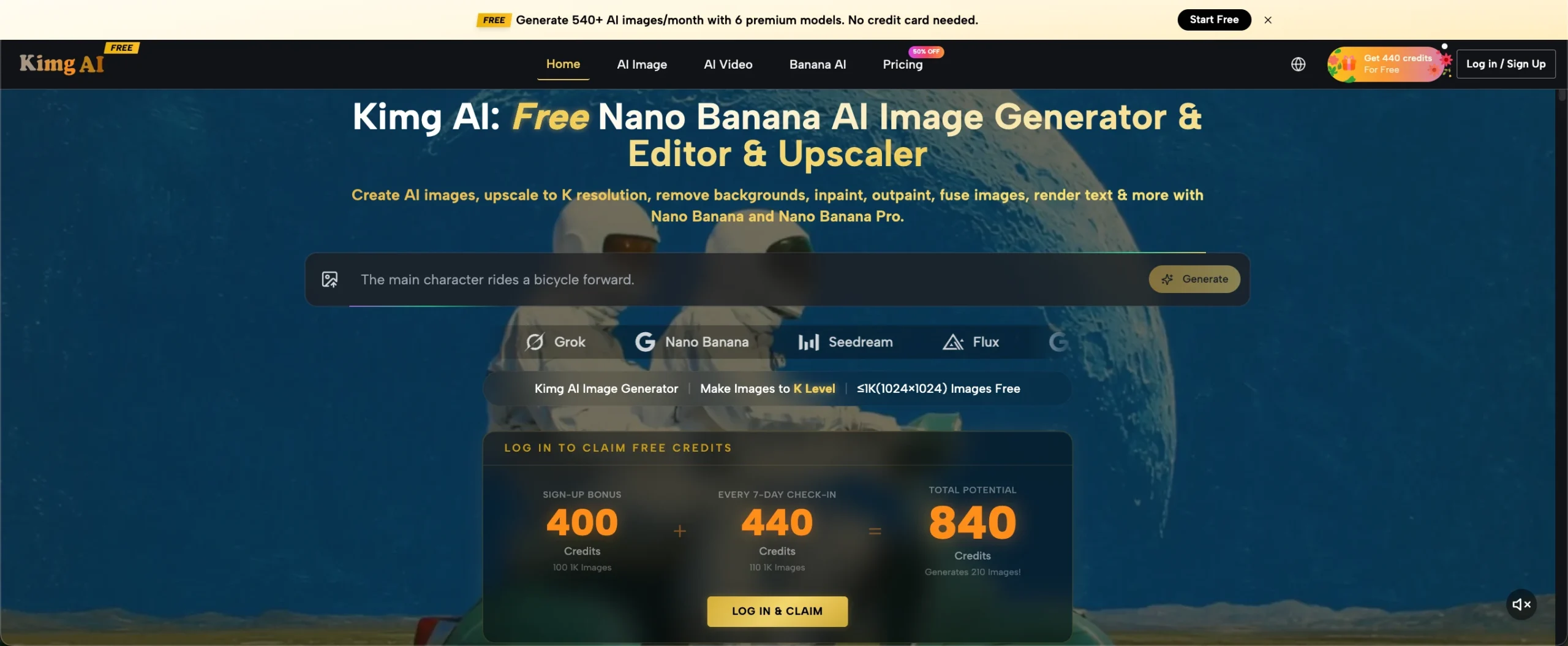
A good photo does not always need a new shoot behind it. Sometimes you already have the right face, outfit, product, or moment, but the background or mood no longer fits what you want to post. That is where tools such as Nano Banana can help. Kimg AI lets users work from text prompts or existing photos and reimagine the source image in a different visual direction. Instead of chasing a perfect new picture every time, you can start with material you already like.
Start With a Photo That Already Has Something Worth Keeping
The easiest starting point is not your most polished image. It is the photo with one strong element you want to preserve. That might be a natural expression, a clear outfit, an interesting product, or a pose that already feels like you.
Imagine you took a simple portrait near a window. The wall behind you is plain, but the lighting on your face looks good. Rather than discarding it, use that photo as the visual base. Describe only what should change: a brighter outdoor setting, a softer editorial mood, or a cleaner color palette.
Kimg AI’s current image workflow supports editing an existing photo through written instructions, so the source image can act as the starting point rather than something you must recreate from memory.
Change the Context Before You Change the Person
When people first try AI image editing, they often rewrite everything at once. They change the clothes, hairstyle, background, pose, lighting, and camera angle in one prompt. That makes it harder to understand which change actually improved the image.
A more useful approach is to keep the person or main subject stable and change the context around it first. Turn a plain indoor portrait into a rainy street scene. Move a food photo onto a brighter breakfast table. Place a simple product shot inside a minimal studio setup.
This gives you a practical way to test whether the original photo can support a new post. If the first variation works, make smaller styling changes next. If it does not, revise the setting without losing the entire idea.
The goal is not to make every image dramatic. It is to create a version that fits what you want to share today.
Three Useful Ways to Rework One Photo
One image can support several different posts if each version has a clear purpose. These three approaches work especially well for social feeds, personal pages, and small creator accounts.
1. Build a Seasonal Version
Take a photo that already works and update the environment for a season or occasion. A neutral portrait can become a warm autumn scene, a bright summer travel-style image, or a simple holiday visual.
Keep the prompt focused on atmosphere instead of adding ten decorative objects. For spring, for example, ask for soft daylight, fresh greenery, and a natural outdoor background. This usually feels more believable than filling the scene with flowers, signs, props, and effects at the same time.
2. Create a More Editorial Version
Sometimes the photo is fine, but it looks too casual for the post you have in mind. In that case, ask for a cleaner composition rather than a complete makeover.
You might describe softer directional light, a simple background, balanced framing, and realistic skin texture. A food creator could turn a quick kitchen photo into a more polished tabletop scene. A fashion account could keep the outfit while changing the setting to a simple street or studio environment. The useful change is presentation, not identity.
3. Test a New Visual Style
A third option is to use the same source image to explore a clearly different style. Kimg AI publicly describes style transformation as one of its Nano Banana image uses, including reimagining photos into illustrated or anime-like forms.
This can work for profile graphics, themed posts, or visual experiments that do not need to look photographic. Keep one recognizable element from the original image so the result still connects to the source instead of feeling like unrelated artwork.
Write Prompts Like Directions to a Photographer
Better prompts usually sound less like advertising copy and more like simple visual instructions. Tell the model what the scene is, what should remain, and what should change.
For a portrait, you could write: “Keep the person’s face, hairstyle, and outfit. Change the background to a quiet city street after light rain. Use soft evening light, natural skin texture, and a candid photo feel.”
For a product image: “Keep the bottle design and label unchanged. Place it on a light stone counter beside a folded towel. Use soft morning light and realistic shadows.”
You do not need to stack words such as “masterpiece,” “award-winning,” or “ultra stunning.” Clear instructions are easier to revise. If the output feels artificial, remove unnecessary styling words and describe a more ordinary camera, lighting condition, or location.
Use Variations to Choose a Direction, Not Just a Favorite
The first generated image should not automatically become the final post. Treat it as a visual question: is this direction worth continuing?
With Nano Banana AI, a useful habit is to compare small variations around one idea. Try one warmer background and one cooler background. Test a tighter crop against a wider scene. Keep the same person while changing only the environment.
Then look for practical problems. Does the face still feel natural? Is the product shape correct? Does the background distract from the subject? Would the image still make sense next to your existing posts?
AI editing is not automatically an upgrade. If a generated version makes the person look less like themselves, changes an important product detail, or adds clutter, keep the original. Check hands, text, jewelry, clothing edges, labels, and reflections before publishing. Small errors are easy to miss on a phone screen.
Turn the Strongest Still Into a Motion Idea
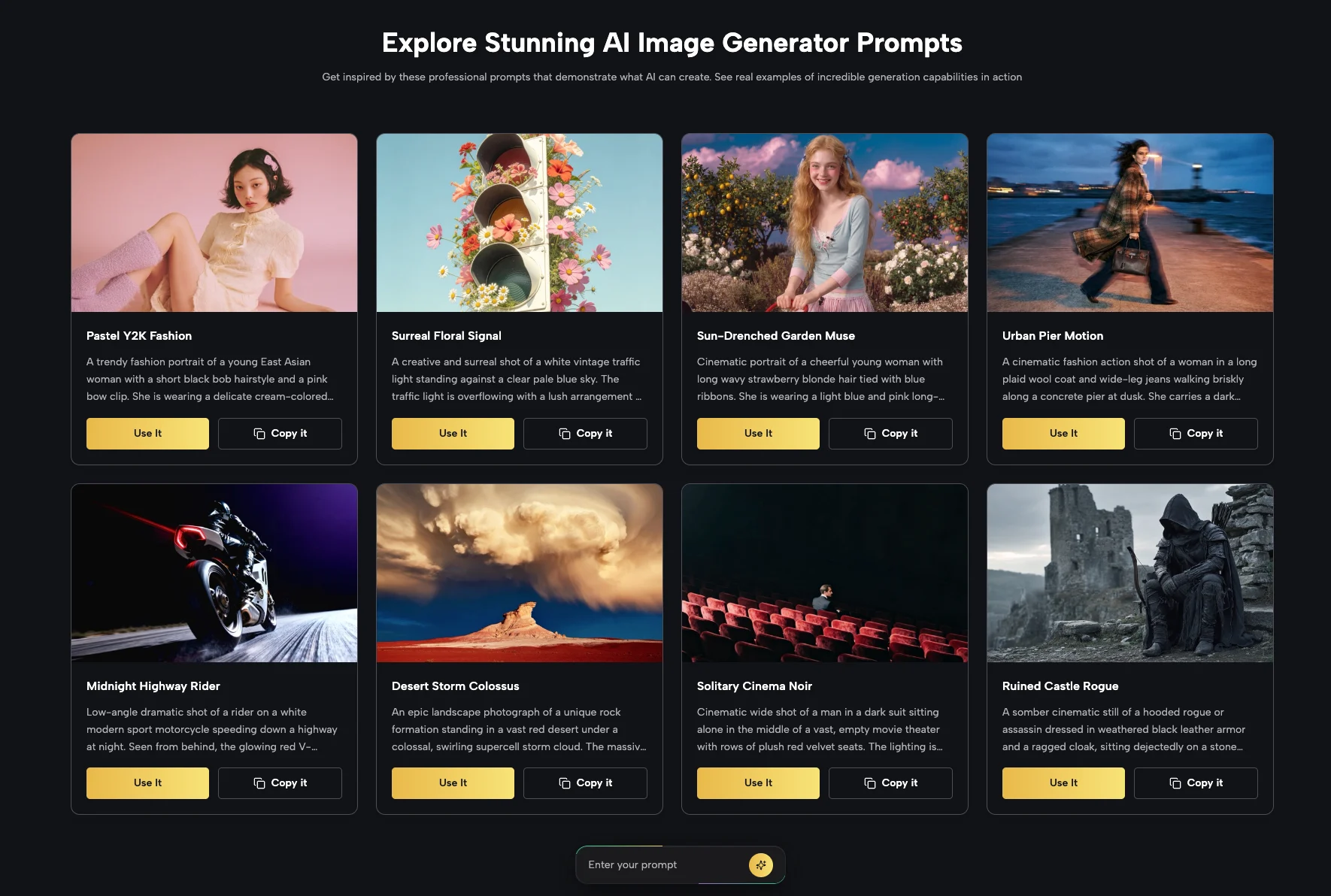
If one edited image clearly works, it can also become the starting point for a short motion concept. Kimg AI currently presents image-to-video as part of its broader creation options, including animation of still images with Veo 3.
Keep the motion simple. A portrait may only need a small head turn, natural hair movement, or a gentle camera push. A food image might use steam, a slow camera slide, or a hand entering the frame. Simple movement often looks more natural than asking every object to move at once.
Think of video as an extension of a successful image, not a separate project that needs a completely new idea. The stronger the still image is, the easier it is to decide what kind of movement actually adds something. Before animating it, ask what the viewer should notice first and choose one motion that supports that focal point.
Conclusion
You do not need a giant folder of new photos to keep finding fresh visual ideas. Start with one image that already contains something you like, preserve that element, and change only what helps the new post make sense. Test a seasonal setting, a cleaner presentation, or a different style, then compare the results carefully. If the original remains stronger, keep it. If one variation opens a better direction, build on it. The simplest next step is to choose one existing photo and give it one clearly defined change.